
Introduction:
Our lives are increasingly online, making digital privacy a necessity, not a luxury. We expose personal data daily through online banking, shopping, remote work, and streaming.
A Virtual Private Network (VPN) is a crucial tool to safeguard your online activities. It creates a private, encrypted tunnel for your internet traffic that shields you from hackers, trackers, and prying eyes.
This guide will answer the fundamental question: what is a vpn and why you need one in 2025, from how they work to choosing the right one for you.
Image created with AI
Part 1: What is a VPN and How Does It Work?
1.1 What is a VPN?
A VPN (Virtual Private Network) creates a secure, encrypted connection between your device and the internet. This “tunnel” hides your real IP address and encrypts your data. This makes your information unreadable to anyone who tries to intercept it.
1.2 How a VPN Works: A Simple Explanation
When you connect to the internet without a VPN, your Internet Service Provider (ISP) can see all your online activity. With a VPN, your internet traffic is routed through a remote server operated by the VPN provider. Understanding what is a vpn involves looking at this process, which does three key things:
- Hides Your IP Address: The websites you visit will see the IP address of the VPN server, not your own.
- Encrypts Your Data: Your data is scrambled, making it unreadable to your ISP, hackers, or government agencies.
- Secures Your Connection: This is especially important when using public Wi-Fi networks, which are often unsecured and a prime target for cybercriminals.
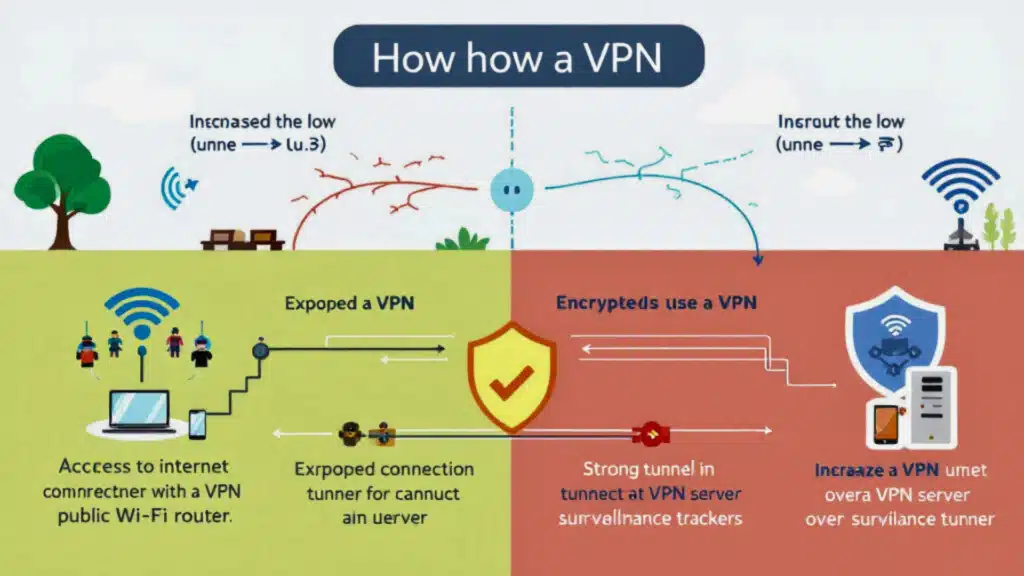
Image created with A
Part 2: Why Do You Need a VPN in 2025?
The reasons to use a VPN have become more compelling as our digital footprint expands. Here are the primary benefits:
2.1 Enhance Your Online Privacy
Websites, advertisers, and your ISP constantly track your online behavior. A VPN prevents this by masking your IP address and encrypting your activity, giving you a greater degree of anonymity.
2.2 Secure Your Data on Public Wi-Fi
Public Wi-Fi in cafes, airports, and hotels are notoriously insecure. A VPN encrypts your connection, protecting sensitive information like passwords and credit card details from hackers.
2.3 Bypass Geo-Restrictions and Censorship
Many streaming services and websites restrict content based on your geographical location. A VPN allows you to connect to a server in another country, making it appear as though you are browsing from that location and giving you access to a wider range of content. It can also help bypass government censorship in restrictive countries.
2.4 Prevent ISP Throttling
Some ISPs slow down your internet connection when they detect activities like streaming or gaming. A VPN can prevent this “bandwidth throttling” by hiding your online activity from your ISP.
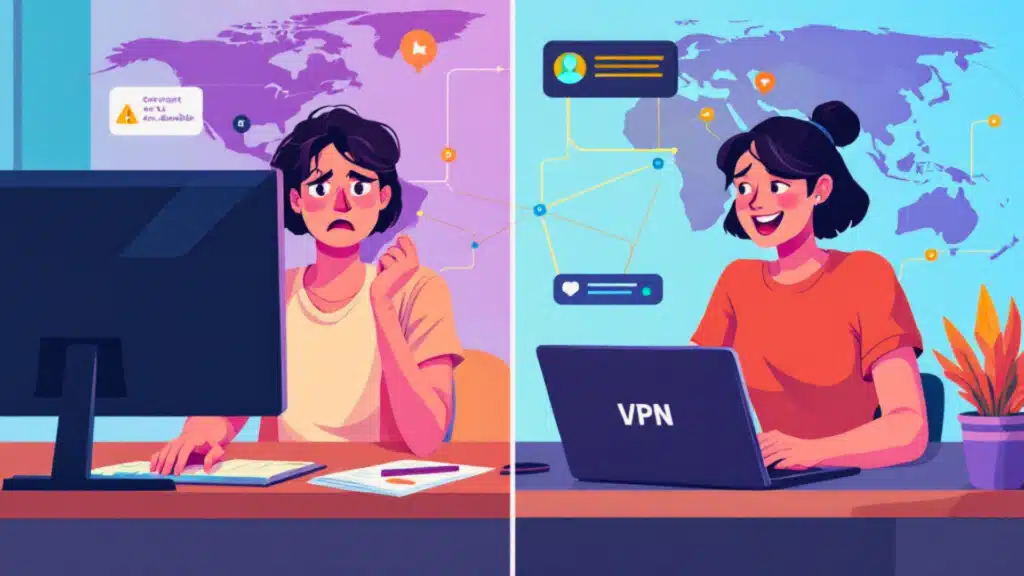
Image created with A
Part 3: Understanding the Different Types of VPNs
Not all VPNs are created equal. They can be categorized based on their primary use case.
3.1 Personal VPNs
This is the most common type of VPN for individual consumers. Services like NordVPN, ExpressVPN, and Surfshark fall into this category, offering a wide range of servers and user-friendly apps to protect your daily internet activities.
3.2 Remote Access VPNs
Primarily used by businesses, these VPNs allow employees to securely connect to their company’s private network from a remote location. This is crucial for protecting sensitive company data when working from home or traveling.
3.3 Site-to-Site VPNs
These are used to connect entire networks in different locations, essentially creating a single, unified private network for a company with multiple offices.
3.4 Other VPN Types
- Mobile VPNs: Designed to maintain a stable connection as you switch between different networks, like from Wi-Fi to cellular data.
- SSL VPNs: Provide secure access to specific applications or resources within a network through a web browser.
Part 4: Key Features to Look for in a VPN Service
When choosing a VPN, it’s important to consider several key features to ensure you’re getting a secure and reliable service.
4.1 Strong Encryption and Secure Protocols
- AES-256 Encryption: This is the industry standard for security, used by banks and governments.
- VPN Protocols: These are the rules that determine how your data is encrypted and transmitted. Common protocols include:
- OpenVPN: Highly secure and versatile, it’s a long-standing industry standard.
- WireGuard: A newer protocol known for its exceptional speed and strong security.
- IKEv2/IPsec: A fast and stable protocol, especially good for mobile devices.
4.2 No-Logs Policy
A crucial feature for privacy, a strict no-logs policy means the VPN provider does not collect or store any data about your online activities. Look for providers that have had their no-logs claims independently audited.
4.3 Kill Switch
A kill switch is a fail-safe feature that automatically disconnects your device from the internet if the VPN connection drops unexpectedly. This prevents your real IP address and unencrypted data from being exposed.
4.4 Split Tunneling
This feature allows you to choose which apps or websites use the VPN connection and which connect to the internet directly. This can be useful for accessing local network devices or for activities where a VPN might slow you down.
4.5 Server Network
A large and geographically diverse server network gives you more options for bypassing geo-restrictions and finding a fast, stable connection.
4.6 Speed and Performance
While all VPNs will have some impact on your internet speed, the best providers minimize this slowdown. Look for reviews and speed tests to gauge a VPN’s performance.
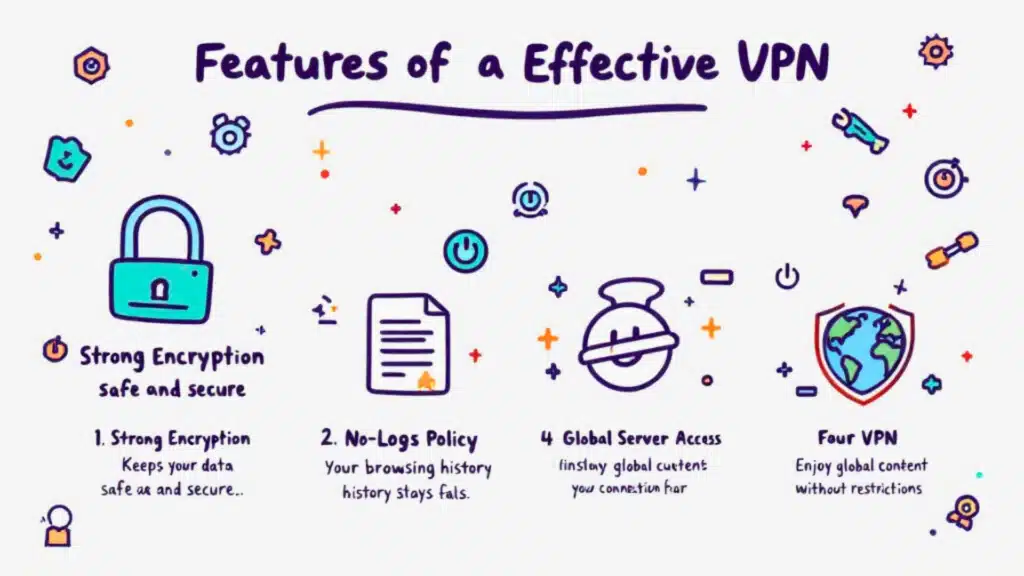
Image created with A
Part 5: Top VPN Providers in Late 2025: A Quick Comparison
Here’s a look at some of the top-rated VPN providers as of late 2025, based on expert reviews and testing.
| Feature | NordVPN | ExpressVPN | Surfshark | Proton VPN | Private Internet Access (PIA) |
|---|---|---|---|---|---|
| Best For | Overall Security & Features | Beginners & Ease of Use | Budget & Unlimited Devices | Privacy & Free Plan | Customization & Large Server Network |
| No-Logs Policy | Audited | Audited | Yes | Audited | Yes |
| Key Features | Double VPN, Threat Protection | Lightway Protocol, TrustedServer | Unlimited Connections, CleanWeb | Secure Core Servers, Free Version | MACE Ad Blocker, Highly Customizable |
| Server Network | 7,100+ servers in 118 countries | Servers in 105 countries | 3,200+ servers in 100 countries | Servers in 91 countries | Extensive server network |
Part 6: The Risks of Free VPNs
While the idea of a free VPN is tempting, they often come with significant risks.
- Data Logging and Selling: Many free VPNs make money by logging your online activity and selling it to advertisers.
- Weak Security: They often lack the resources to implement strong encryption and security features, leaving you vulnerable.
- Malware: Some free VPN apps have been found to contain malware.
- Limited Performance: Free VPNs typically have fewer servers, leading to slower speeds and a poor user experience.
While some reputable providers like Proton VPN offer a trustworthy free version with limitations, it’s generally safer to opt for a paid service.
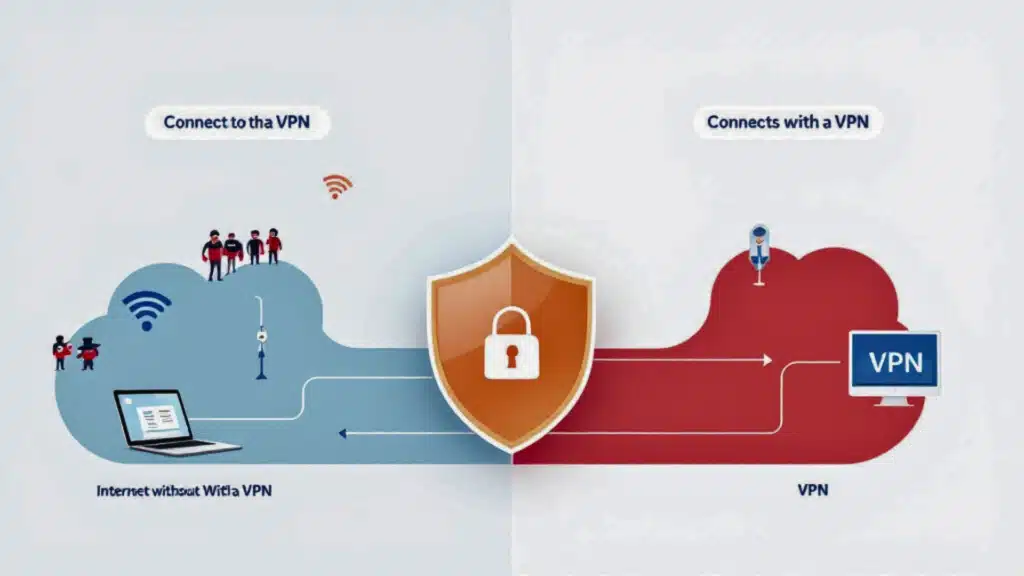
Image created with A
Part 7: How to Set Up and Use a VPN
Getting started with a VPN is straightforward.
7.1 Setting Up a VPN on Your Devices
- Choose a VPN Provider: Select a reputable provider based on your needs and budget.
- Create an Account and Subscribe: Sign up for a plan on the provider’s website.
- Download and Install the App: VPN providers offer apps for most devices, including Windows, macOS, iOS, Android, and Linux.
- Log In and Connect: Open the app, log in with your credentials, and connect to a server. Most apps will recommend the best server for you based on your location.
7.2 Installing a VPN on Your Router
For comprehensive protection, you can install a VPN on your router. This will encrypt the internet connection for every device connected to your Wi-Fi network, including smart TVs and gaming consoles that may not support VPN apps directly.
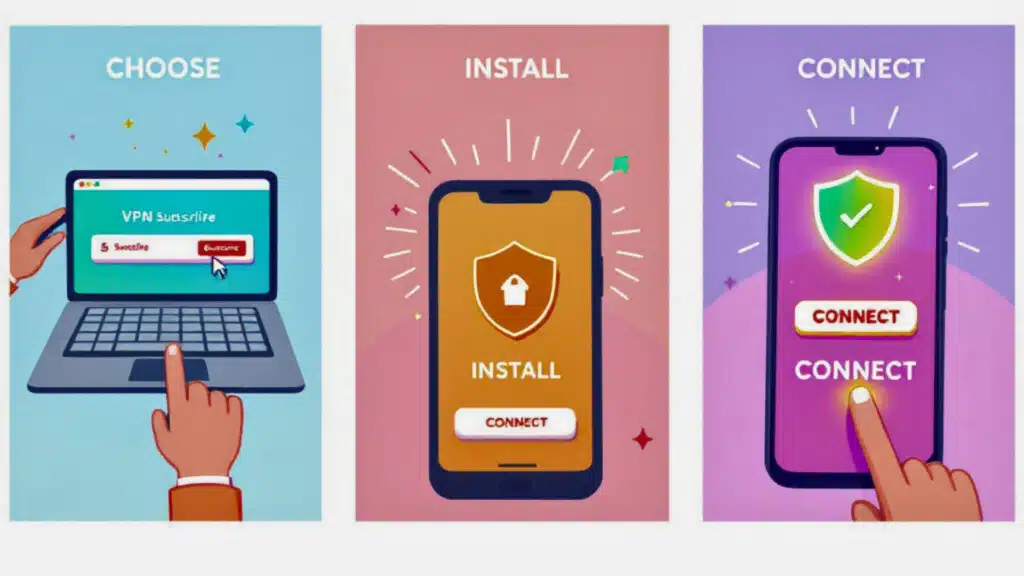
Image created with A
FAQ’S
1. Will a VPN slow down my internet connection?
A VPN can slightly reduce your internet speed because it encrypts and reroutes your traffic. However, premium VPN services in 2025 use advanced protocols like WireGuard to minimize speed loss, often making the difference unnoticeable for browsing, streaming, and gaming. The security and privacy benefits almost always outweigh the minor potential for slowdown.
2. Can I be tracked if I use a VPN?
A high-quality VPN with a strict no-logs policy makes you much harder to track. It hides your real IP address and encrypts your activity, preventing your ISP, websites, and advertisers from easily monitoring what you do online. For maximum privacy, always choose a VPN with an audited no-logs policy.
3. Is it legal to use a VPN?
In most countries, including the United States, Canada, and the UK, using a VPN is completely legal. However, using a VPN to conduct illegal activities is still illegal. Some countries with heavy internet censorship (like China and Russia) restrict or ban VPN use, so it’s important to be aware of local laws if you are traveling.
4. Do I really need a VPN if I only browse at home?
Yes, a VPN is still highly recommended even on your home Wi-Fi. Your Internet Service Provider (ISP) can see and log every website you visit. Advertisers can track your activity to build a profile on you, and you are still vulnerable to data breaches. A VPN encrypts your connection at home, protecting you from all of these privacy intrusions.
5. Can I use one VPN for all my devices, like my phone and smart TV?
Yes. Most top VPN providers offer apps for all major devices (Windows, macOS, iOS, Android). The best services, like Surfshark, offer unlimited simultaneous connections, so you can protect your entire family’s devices with one subscription. For devices that don’t support VPN apps (like some smart TVs or gaming consoles), you can install the VPN on your router to protect every device on your network.
Conclusion: Take Control of Your Digital Privacy
In 2025, using a VPN is no longer just for the tech-savvy; it’s an essential tool for anyone who values their online privacy and security. Now that you have a clear understanding of what is a vpn, why you need one, and how to choose the right service, you can take a significant step toward protecting your digital life. Whether you’re working remotely, streaming your favorite shows, or simply browsing the web, a VPN provides a vital layer of protection in an increasingly connected world.