If you are exploring real-time voice changers, you’ve likely come across EaseUS VoiceWave. It’s a popular tool for gamers, streamers, and content creators, but with so many options available.So, is it any good? This review looks at its features and performance to help you decide. We’ll cover the essential product info, from its voice library to its compatibility, to see if it’s the right fit for your setup.
What is EaseUS VoiceWave? An Overview
EaseUS VoiceWave is a desktop application for Windows that modifies a user’s voice in real-time. It uses AI to alter vocal characteristics like pitch and tone, allowing users to sound like different characters, genders, or even robots. The software is built for online gaming, live streaming, and voice chats on platforms like Discord, Zoom, and Skype.
The program is available as a free version with basic functionality and a Pro version that unlocks the full suite of features.
How Does It Work?
Using the software involves a few simple steps:
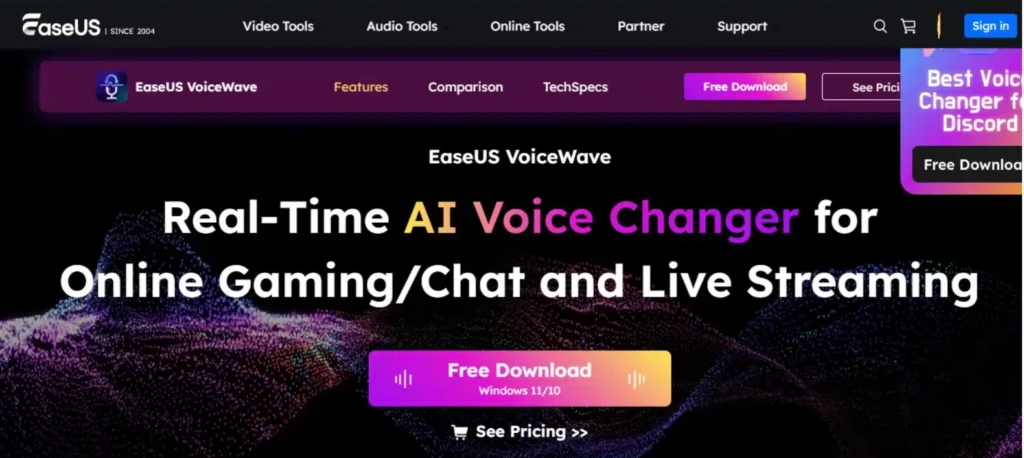
- Download and Install: Install the software from the official EaseUS website.
- Configure Settings: Launch the application and set it as your primary microphone input device within the software and in the settings of the application you want to use it with (e.g., Discord, OBS).
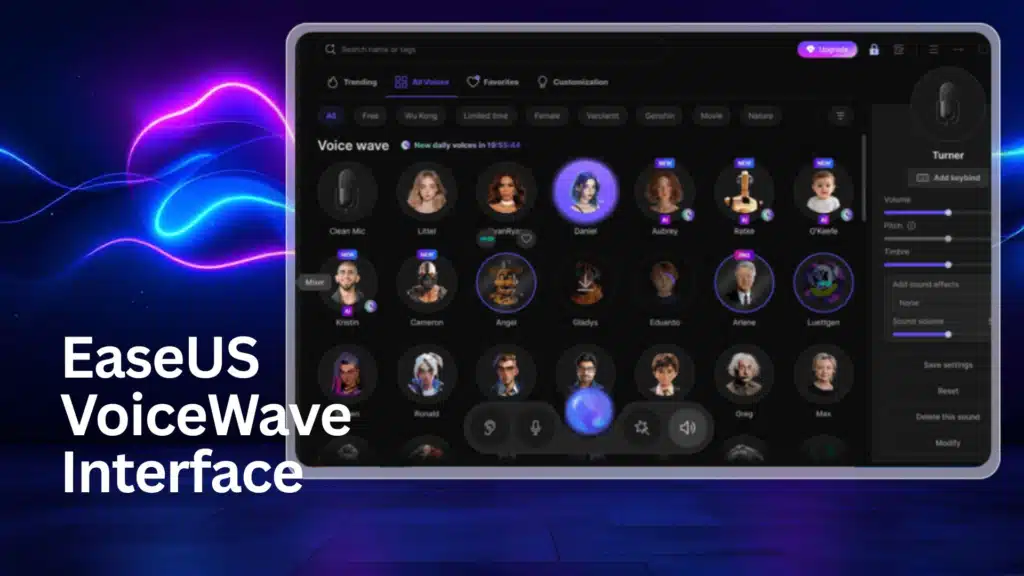
- Select an Effect: Choose from a library of voice filters and effects.
- Speak in Real-Time: The software processes your voice through the selected filter with low latency, changing how you sound to others in live chats or recordings.
Core Features
The application comes with a suite of tools designed for audio modification.
| Feature | Description |
|---|---|
| Real-Time Voice Changer | Instantly modulates your voice with over 100 effects. |
| Soundboard | Includes a library of over 300 sound presets for live streams and chats. |
| Audio Mixer | Blends multiple vocal tracks and adjusts the audio balance. |
| Noise Reducer | An integrated AI tool to filter out background noise for clearer audio. |
| Audio Recorder | A built-in function to capture your modified voice as an MP3 file. |
| AI Voice Generator | A feature for creating custom voice profiles. |
Compatibility and Integration
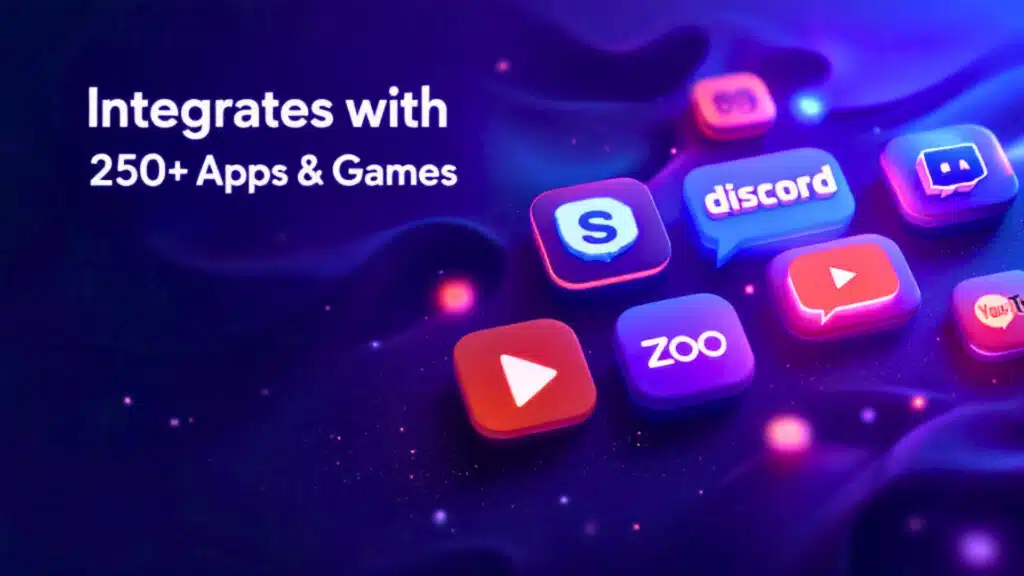
A significant strength is its broad compatibility. It is designed to work with over 200 online games and more than 50 messaging applications. It integrates with major platforms such as:
- Discord
- Twitch
- Zoom
- Skype
- OBS Studio
- TeamSpeak
Free vs. Pro: What’s the Difference?
The software operates on a freemium model.
- Free Version: Offers a limited selection of voice effects and core features. This version is suitable for users who want to test the basic capabilities.
- Pro Version: Unlocks the full library of effects, the soundboard, and advanced customization. It is available through monthly, yearly, or lifetime subscription plans.
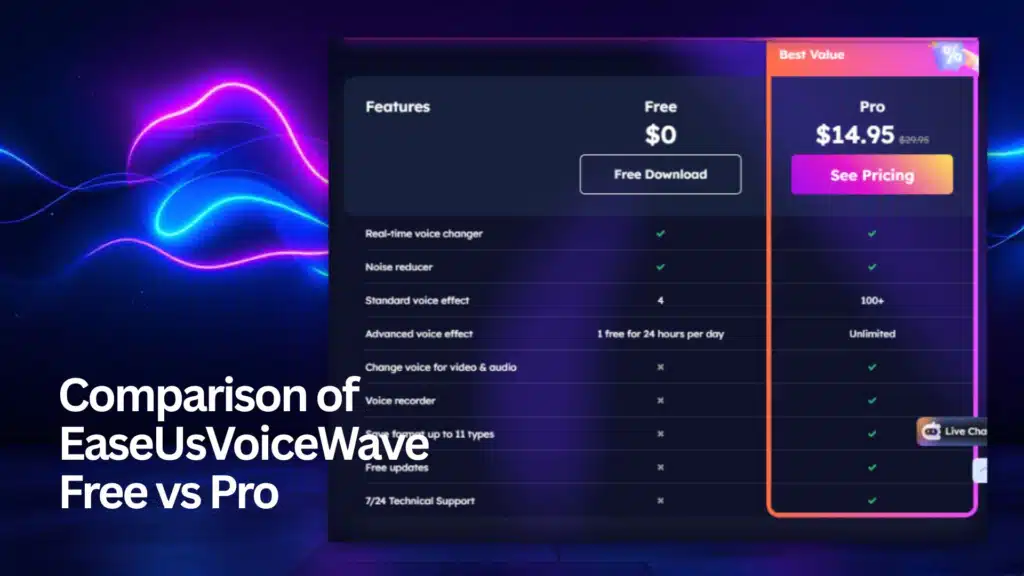
Pro TIp: But secretly there is a lifetime offering for 1 PC running on the site
Instead of clicking the main download button, locate and click the “See Pricing” button, which is usually next to the “Free Download” option in the top menu you will get to the lifetime page
Pros and Cons
Here is a pros and cons view of the software’s strengths and weaknesses.
Pros:
- Extensive Voice Library: A large selection of over 100 voice effects and a 300+ preset soundboard.
- Broad Compatibility: Integrates smoothly with a vast number of games and chat applications.
- User-Friendly Interface: The layout is intuitive and easy to navigate for beginners.
- All-in-One Toolkit: Includes valuable extras like a noise reducer, audio mixer, and recorder.
Cons:
- Limited Free Version: The most desirable features are locked behind the Pro subscription.
- Windows Only: The software is not available for Mac, PS5, Xbox, or mobile devices.
- Occasional Performance Issues: Some users report occasional software glitches or inconsistent audio quality.
- Resource Consumption: May consume additional system resources during real-time processing.
Frequently Asked Questions (FAQs)
Is EaseUS VoiceWave free?
Yes, there is a free version of EaseUS VoiceWave, but its features are limited. It provides a small sample of voice effects to test the software’s core function. The full library of over 100 voices and advanced tools like the soundboard are only available in the paid Pro version.
Is EaseUS VoiceWave good?
EaseUS VoiceWave is widely considered a good and capable voice changer, especially for gaming and streaming. Its strengths are its large library of effects, broad compatibility with apps like Discord and OBS, and user-friendly interface. Its quality is highest in the Pro version.
Does EaseUS VoiceWave work on PS5?
No, EaseUS VoiceWave is designed exclusively for Windows 10 and Windows 11 PCs. It is not compatible with gaming consoles like the PS5 or PS4, nor is it available for macOS or mobile devices.
Is It Safe?
Downloading the software from the official website is generally considered safe. As with any application, obtaining it from third-party or unofficial sources carries potential risks. To ensure security and proper license activation, it is advisable to download directly from the official source.
The Verdict: Is It Worth It in 2025?
EaseUS VoiceWave is a feature-rich voice changer that serves its target audience well. Its main strengths are its extensive library of effects, wide compatibility, and user-friendly design.
Whether it is “worth it” depends on your needs. For casual users, the free version is a good starting point. For serious streamers and content creators who will use the advanced features frequently, the Pro version offers considerable value.